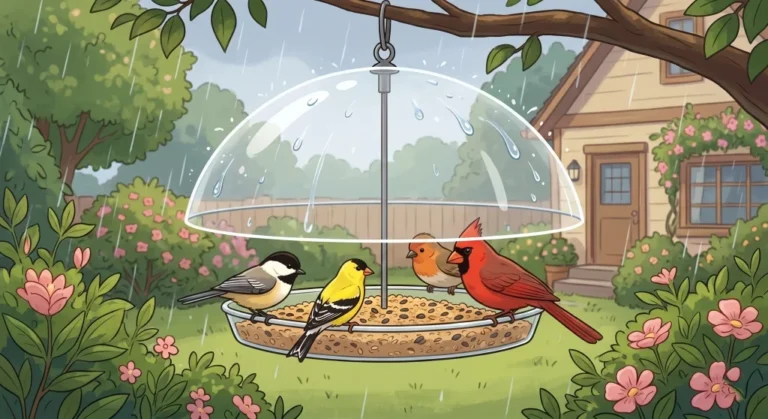

How a Smart Bird Feeder Actually Works
When you set up a bird feeder camera, you are not installing a continuous security camera that records twenty-four hours a day. These devices operate more like trail cameras designed for wildlife tracking. They sit in a deep sleep mode to conserve battery life until a passive infrared sensor detects motion and body heat within a specific range.
Once the sensor is tripped, the camera wakes up, records a short video clip or takes a series of photographs, and then uses a built-in Wi-Fi connection to send that data to your phone. From there, the companion app runs the image through an artificial intelligence database to identify the species. If the bird stays on the perch for a while, you get a beautiful, close-up shot. If the bird simply grabs a seed and flies off, you might just get a blurry picture of a tail feather.
This wake-up sequence is where most of the frustration happens for new owners. If you place the feeder facing a busy street or a heavily blowing tree branch, the sensor will constantly wake up the camera. It will record empty frames, drain the battery in two days, and clog your phone with useless notifications. To get good photos, the background needs to be relatively still. You also have to consider how this fits into your overall backyard setup, which is why thinking about your bird feeder types and placement strategy beforehand is so crucial.
Bird Buddy vs Birdfy: Camera Quality vs Versatility
Once you have your placement figured out, the next step is choosing the hardware. If you are looking for the best bird feeder camera right now, the decision usually comes down to two major brands. Both do an excellent job of bringing birds right to your phone screen, but they are built with very different design philosophies. Buying the wrong one usually happens because people prioritize a feature they do not actually need.
The Bird Buddy is designed almost entirely around the camera experience. It features a five-megapixel camera with a wide field of view, producing vibrant, high-resolution photos that look incredible on social media. The housing is sleek, modern, and highly focused on the user interface. If your primary goal is getting the absolute best photographic quality from your backyard visitors, this is the route I suggest taking.
Birdfy takes a different approach, prioritizing battery life and modular versatility. While the standard camera is slightly lower resolution than its main competitor, the physical feeder holds more seed and supports a wide range of add-on accessories. You can attach a suet cage or a hummingbird nectar module to the side of it. Additionally, the recent introduction of the Birdfy Duo features a genuinely new three-camera setup. It includes a rotating 2K camera, a wide-angle 1080p lens, and a side HD camera, allowing you to see the side profile and the main perch simultaneously.
However, it is worth looking beyond the big two. The isYoung camera feeder offers a 2.5K QHD resolution, which is actually higher than the Bird Buddy, with no ongoing fees required. If you want a workhorse feeder that requires less refilling and offers more options to attract different species, you should compare Bird Buddy vs Birdfy based on your specific yard conditions, while keeping isYoung in mind as a no-subscription alternative worth comparing.

5MP photos and 2K video with a 2x larger HDR sensor capture stunning close-ups of every visitor. Built-in AI identifies bird species, detects illness, and sends real-time alerts to your phone. Includes 1 month free family Premium Subscription for photo organizing and sharing. Simple 7-step setup, connects to 2.4GHz Wi-Fi, mounts on a pole or hangs from a branch.
Check on AmazonIf you click this link and buy, we earn a commission at no additional cost to you.
AI Accuracy: What It Does Well and Where It Struggles
The artificial intelligence built into a smart bird feeder with camera technology is a fantastic learning tool, but it is not flawless. I have watched many people take the app’s identification as absolute truth, only to end up thoroughly confused when it identifies a bird that does not even live on their continent.
The AI is highly accurate when dealing with birds that have distinct, bright markings. It will correctly identify a male Northern Cardinal, a Blue Jay, or an American Goldfinch almost every single time. The lighting is usually good enough, and the color patterns are too specific for the software to miss. Where the system breaks down is with female birds, juveniles, or species that share very similar plumage. A common example is the software confusing a House Finch with a Purple Finch, or struggling to differentiate between various types of brown sparrows.
Field Note: I often heard customers complain that their smart feeder told them they had a rare, exotic species visiting their suburban yard. In almost every case, it was a common local bird with wet feathers, or the lighting cast a strange shadow over the camera lens. The software tries its best to find a match, even if the image is distorted.
The good news is that most of these apps include a correction feature. If the software guesses incorrectly, you can manually override it. The AI actually learns from these corrections over time. My advice is to use the camera’s identification as a starting point. If you see a result that looks questionable, open up the Merlin Bird ID app from Cornell Lab and cross-reference the photo. This extra step turns a simple gadget into a genuine educational experience.
Battery vs Solar: Regional Weather Considerations
Power management is the silent struggle of owning a camera feeder. Taking it down, bringing it inside, charging it for six hours, and putting it back up gets old very quickly. This is why solar roofs have become the standard recommendation, but you have to look closely at your regional weather before assuming solar will solve all your problems.
Most of these cameras use lithium-ion batteries. In warm or mild weather, they perform exactly as advertised. However, when the temperature drops below freezing, lithium batteries physically lose about twenty to thirty percent of their functional capacity. The cold slows down the chemical reactions inside the cell. A battery that lasts a month in the summer might only last two weeks in January, right when the birds need the seed the most.
Solar panels help mitigate this, but their performance varies wildly depending on where you live. A solar roof in the sunny Southwest will keep a camera running indefinitely without ever needing a plug. That same solar roof in the Pacific Northwest during a cloudy, rainy winter will barely generate enough trickle charge to keep the camera alive. If you live in an area with long, overcast winters, you must plan on manually charging the device, regardless of whether it has a solar panel attached.
- Angle the feeder so the solar panel faces south to catch the maximum amount of winter sun.
- Wipe the solar panel clean with a damp cloth every time you refill the seed. Dust and pollen block UV rays.
- Lower the motion sensitivity in the app settings during high-wind days to prevent false triggers.

IP67 weatherproof enclosure with four 8dBi fiberglass antennas and built-in power amplifier delivers long-range stable coverage across large yards, farms, estates, and garages. Dual-band WiFi 6 with MU-MIMO and Beamforming supports multiple devices with minimal interference. Starlink compatible, supports AP, Router, Repeater, and WISP modes. Powers via single Ethernet cable with PoE. Lifetime technical support included.
Check on AmazonIf you click this link and buy, we earn a commission at no additional cost to you.
Privacy and Video Storage: Cloud vs Local
Privacy is rarely the first thing people think about when setting up a bird feeder, but a camera changes the dynamic of your yard. Depending on how you mount it, the wide-angle lens might capture your patio doors, your children playing, or your neighbor’s fence line. Understanding where that footage goes is an important part of ownership.
The majority of popular smart feeders rely heavily on cloud storage. When the camera records a clip, it immediately sends that video over your Wi-Fi to a server owned by the company. The app on your phone then accesses the video from that remote server. While these companies have security measures in place, you are still sending continuous video of your property to an external database. For many people, this is a non-issue, but for privacy-conscious users, it is a significant drawback.
Pointing a cloud-connected camera directly at your house’s large sliding glass doors just to get a closer Wi-Fi signal.
Angling the camera toward a natural background like a hedge or tree line, ensuring no private spaces are in the frame.
If cloud storage makes you uncomfortable, there are alternatives. Certain models, like those from isYoung, offer local storage options using a microSD card. In this setup, the video is saved directly to a physical card inside the camera. You can still view it on your phone via your local network, but the footage is not stored on a remote server. This is a critical feature to look for if you want complete control over your data.
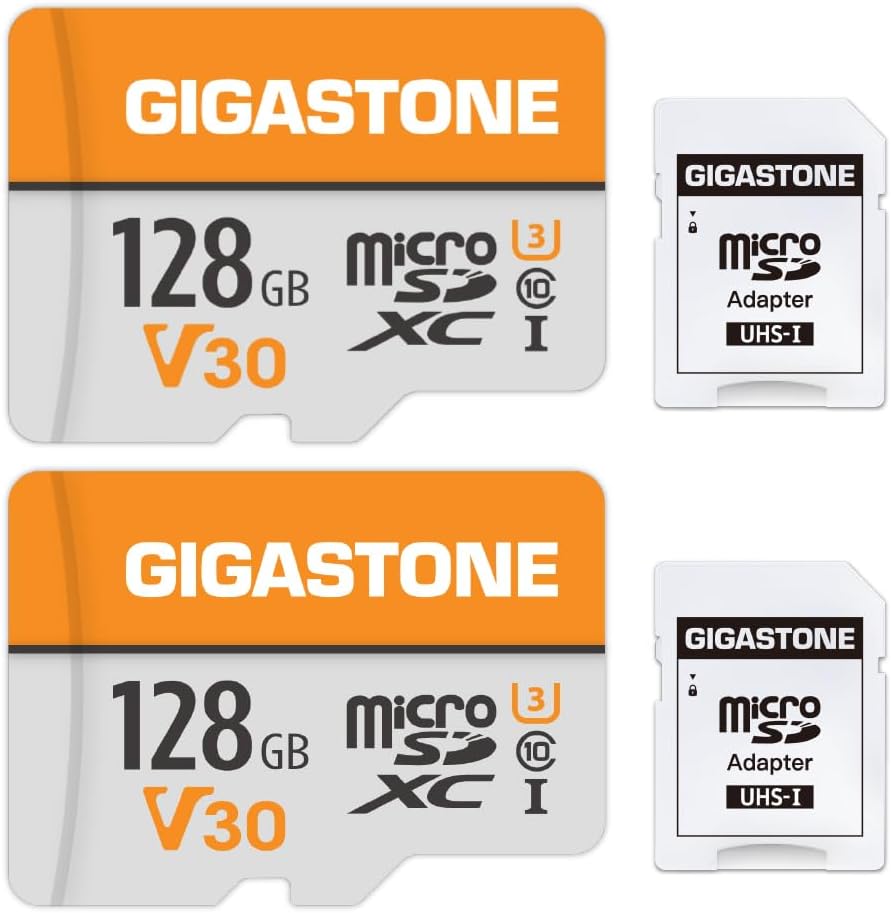
Read/write speeds up to 95/40 MB/s for smooth 4K video recording and playback. Compatible with cameras, security cameras, action cameras, laptops, tablets, and smartphones. Waterproof, shockproof, temperature-proof, and X-ray proof. Backed by a 5-year limited warranty.
Check on AmazonIf you click this link and buy, we earn a commission at no additional cost to you.
Subscription Costs: The Hidden Price of AI
When budgeting for a camera feeder, the upfront price tag is only half the story. The artificial intelligence that identifies the birds requires massive computing power, and the companies that build these feeders have to pay for those servers every month. To cover those costs, most brands require a monthly or annual subscription fee to unlock the best features.
Without a subscription, a premium feeder will still take pictures and send you notifications when a bird arrives. However, it might withhold the species identification feature, limit the quality of the video clips, or restrict how many photos you can save to the app. Over the course of three years, a ten-dollar monthly subscription adds over three hundred dollars to the total cost of ownership. You have to ask yourself if knowing the exact species is worth that recurring expense.
There are a few models that break this mold. The isYoung feeder, for example, offers a bird feeder camera without subscription fees, giving you lifetime access to their AI database included in the purchase price. The tradeoff is often a slightly clunkier app interface or fewer social sharing features. Before you buy the best bird feeder camera on the market, read the fine print regarding what features vanish if you decide to cancel your monthly plan.
Getting the Most Out of Your Lens
Adding a camera to your backyard setup changes the way you interact with wildlife. It takes the fleeting moments that happen while you are at work and saves them for you to enjoy later. The technology is not perfect, and you will inevitably spend some time deleting blurry photos of squirrel tails or correcting the AI when it misidentifies a sparrow.
The trick to making it work long-term is managing your expectations. Keep the lens clean, understand that the battery will need help in the winter, and position the feeder where the background is calm. Treat it as a fun tool for observation rather than a flawless scientific instrument, and you will get years of enjoyment out of the investment. If you are ready to upgrade your yard, decide whether camera quality, battery life, or avoiding monthly fees is your top priority, and pick the model that fits that goal.

This 92-inch bird feeder pole combines a squirrel-deterring spring-loaded baffle with four adjustable shepherd hooks for hanging multiple feeders or garden accessories. Its nine-prong ground base helps improve stability, while the adjustable six-section pole allows the overall height to be changed for different backyard setups. The station also includes a detachable bird bath and mesh feeding tray, providing several feeding and watering options around one central pole.
Check on AmazonIf you click this link and buy, we earn a commission at no additional cost to you.
FAQs
📷 Do bird feeder cameras need Wi-Fi to work?
Yes, almost all smart feeders require a stable 2.4GHz Wi-Fi connection to send photos to your phone and run the AI identification. If your feeder is placed too far from your house, you may need a Wi-Fi extender.
🔋 How long does the battery last in the winter?
Plan on charging more often between December and February. Even models with solar panels will struggle to maintain a charge on overcast winter days.
🤖 Is the AI bird identification completely accurate?
No, the software is typically accurate for brightly colored, distinct birds, but it frequently struggles with females, juveniles, and species with similar brown plumage. You should use it as a starting point and manually correct errors.
🌧️ Are smart bird feeders waterproof?
They are highly weather-resistant, usually carrying an IP65 rating to withstand rain and snow. However, you should still ensure the charging port covers are securely sealed to prevent moisture from destroying the electronics.
🐿️ Can a camera feeder survive squirrel attacks?
While the plastic housing is tough, determined squirrels can chew the edges or scratch the camera lens. It is highly recommended to mount the camera on a pole with a proper squirrel baffle to protect your investment.
💰 Do I have to pay a monthly fee to use them?
It depends on the brand. Models like Bird Buddy and Birdfy offer basic features for free but charge a subscription for advanced AI and high-resolution video storage. Other brands offer lifetime AI access with no monthly fees.